
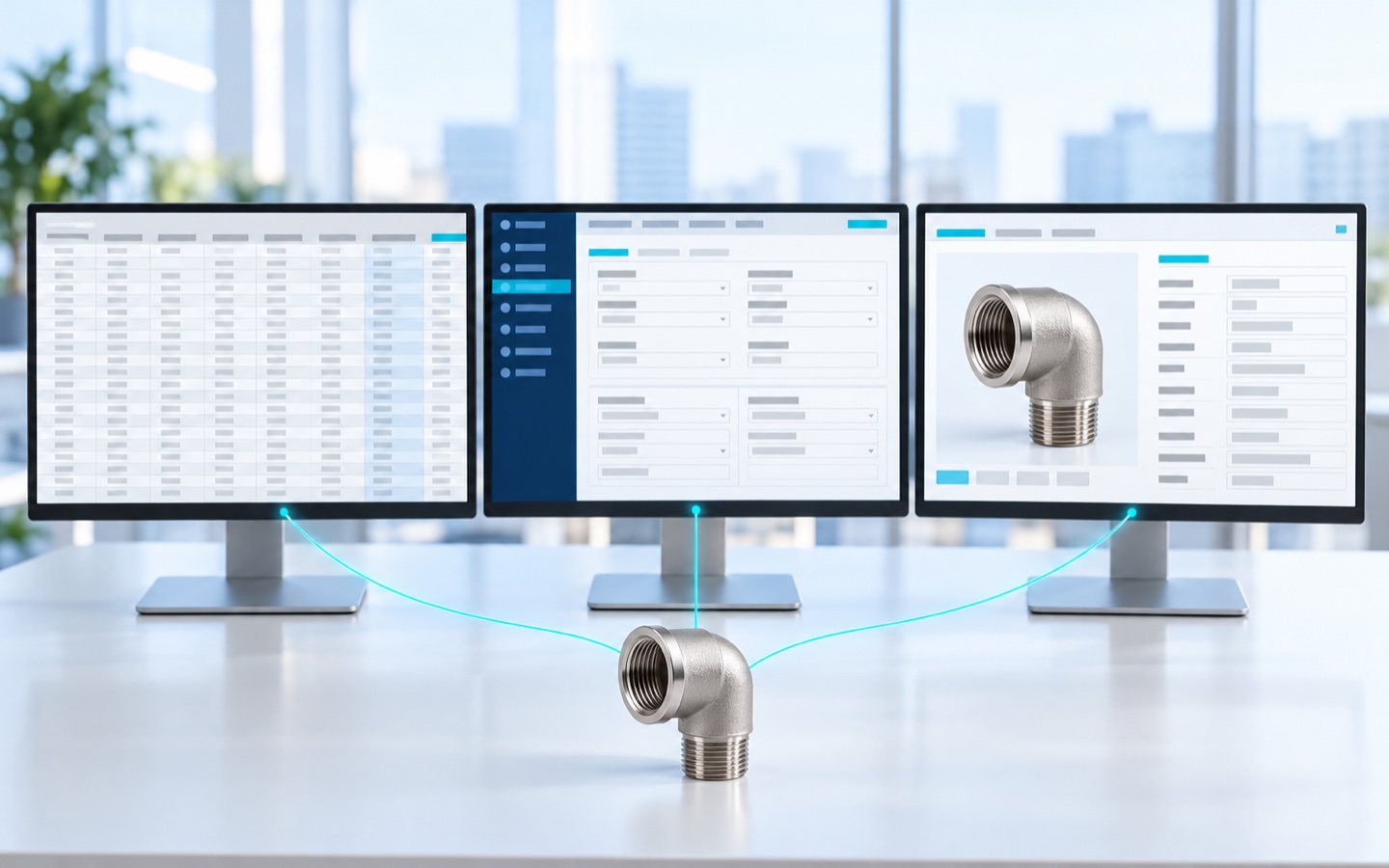
Spreadsheet, ERP, or PIM: at a manufacturer, what goes into sales orders, invoices, and costing stays in the ERP; what describes and sells the product, and is read by more than one channel, goes in a PIM system; the spreadsheet serves as a tool for correcting and loading data in bulk, and stops being the official version of any field that more than one department edits.
The question of where to keep product information comes up when someone proposes to “centralize” it and your company finds out it already lives in three places. Today, the part number and the price are probably in the ERP, the cross-reference for discontinued part numbers in a spreadsheet corrected by email, and the drawings in a shared folder, in files named “final_REVISED.”
In this article, we compare the three paths and show what stays where when they coexist.
Three Ways to Keep Product Information, and Where Each One Breaks
A single spreadsheet, an ERP with spreadsheets around it, and an ERP working with a PIM system are operating arrangements that a manufacturer tends to go through in that order, and keeping everything in just one of them tends to go wrong.
The official version of a piece of data is the value the company accepts as correct when two copies of that data disagree. The system of record for a field is the only place where that value is edited; every other system receives a copy.
The example is a hypothetical line of threaded pipe fittings for plumbing: 30 fitting types, such as elbows, tees, and couplings, in up to eight sizes and two finishes. That comes to about 400 part numbers, with some 25 attribute columns each. The product and the numbers are made up.
1 – Everything in a Spreadsheet
A single spreadsheet is one file, maintained by product engineering or by inside sales, with one row per part number and one column per attribute. A single spreadsheet works as long as one department edits it: whoever maintains it knows what changed because they made the change.
The single spreadsheet breaks when a second department starts editing. Engineering revises the drawing for one fitting type, and the dimensions change in 16 rows. Sales discontinues three sizes of another fitting type and names the replacement for each one. Each department works in its own copy.
With eight rows, someone would compare the two copies by eye; with 400 rows, as in the example, nobody does. The first copy that leaves the company, attached to an email, can no longer be corrected.
A single spreadsheet costs almost nothing to start and charges later, copy by copy.
2 – The ERP as the Base, With Spreadsheets Around It
Using the ERP as the base looks like a solved problem: the 400 part numbers in the example exist in it with an invoice description, unit of measure, tariff classification (HS code), item structure, and price, and whatever goes into a sales order is governed.
An ERP item record usually leaves out the information that sells the product: the cross-reference to the discontinued part number, the drawing at the current revision, the application description, and the photo. At most manufacturers, that information goes back into spreadsheets, one per department, with the ERP part number in the first column.
Having the ERP part number as a single key is a real gain. The shadow spreadsheets kept around the ERP, taken together, form a second set of product records that nobody approved. The boundary is covered in detail in where the ERP ends and the catalog begins.
3 – ERP and PIM Splitting the Work, With the Spreadsheet as a Loading Tool
Product information management (PIM) is the practice of keeping the technical and commercial information about each product in a single record, and a PIM system is the software that supports that practice. A PIM system keeps each product’s attributes, copy, media links, and relationships in that record, and the files for each recipient come out of it.
In the ERP and PIM arrangement, the part numbers for the 400 fittings in the example originate in the ERP. Engineering maintains the dimensions, the link to the drawing at the current revision, and the cross-reference for each part number in the PIM, and inside sales writes the commercial description in the same record.
In an ERP and PIM arrangement, the spreadsheet returns only as a loading tool: when three sizes are discontinued at once, someone exports the rows, fills in the replacements, imports them back, and deletes the file.
The bill for the ERP and PIM arrangement arrives before the license fee. The 400 rows in the example need to be reviewed once by someone who knows each fitting type, and someone already on staff takes on the added role of answering for product information, deciding which value counts when two departments disagree.
The ERP and PIM arrangement breaks when nobody has written down the system of record for each field: a description corrected on one side reverts to the old value when the other side sends its version. With few part numbers and a single destination, a single spreadsheet still does the job.
Spreadsheet, ERP, or PIM Side by Side
A single spreadsheet, an ERP with spreadsheets around it, and an ERP and PIM arrangement compare on eight operating criteria, from upfront cost to the point where each one breaks.
| Criterion | Everything in a spreadsheet | ERP with spreadsheets around it | ERP and PIM |
|---|---|---|---|
| Upfront cost | almost none | the ERP’s, usually already paid | implementation, a review of the product records, and someone who takes on the role of owner |
| Who edits without conflict | one person at a time | each department, in its own copy | each department, in the field it owns, in that field’s system of record |
| Where the official version is | in the last saved copy, if someone knows which one it is | in the ERP, for the transaction; for selling, nowhere | in the ERP, for the transaction; in the PIM, for selling |
| Drawings and documents linked to the part number | by file name, in folders | by file name, in folders | linked to the item’s part number, in the record |
| Recipients that get the same data without rework | tends to be one | tends to be one per spreadsheet | those that receive files generated from the PIM |
| Languages and files per recipient | a new column for each version | a new spreadsheet for each version | derived from the same attribute base |
| What happens when a piece of data changes | someone sends an email | in the ERP, it changes; in the spreadsheets, it depends on who remembers | it changes once, in the field’s system of record |
| Where it breaks | when a second department starts editing | in the information that sells | in the field nobody decided who owns |
Each industrial recipient asks for a different file for the same product. The distributor wants its own column template and a mapping between the manufacturer’s part number and its own; the specifier wants the drawing, the applicable standard, and the certificate; the manufacturer’s rep wants application and cross-reference.
With a single spreadsheet or with spreadsheets around the ERP, each file is assembled by hand, and the description delivered to each distributor becomes one more copy to keep up to date.
What Stays Where When All Three Coexist
The ERP holds what goes into a transaction or a calculation: part number, invoice description, item structure and bill of materials (BOM), tariff classification, unit of measure, weight, stock, price, and price lists by region, customer type, or commercial terms. Price stays with the rule that sets it, even when a salesperson looks it up on another screen.
The PIM holds what describes and sells the product: technical and application attributes, cross-references, the commercial and technical description, the spec sheet, drawings and certificates linked to the part number, and the categories and attributes for commercial navigation, which rarely match the ERP item group.
The spreadsheet holds work in progress, with an end date: cleansing a line with mixed units of measure, a bulk import, gathering the data for a launch, which originates in engineering before the part number exists in the ERP. A spreadsheet that is still being consulted after that work is done has gone back to being the official version.
Integrating the ERP with a PIM system changes the maintenance effort when a field changes in its system of record: when the catalog is integrated with the ERP, the change arrives without re-keying. Which fields are included and which direction they flow in is a project decision.
Before connecting an ERP and a PIM system, a manufacturer should write down the system of record for each field, in a two-column document, field and system of record, which goes to IT and to the ERP vendor before the integration.
The origin of each piece of data in a technical catalog is covered in our article on PIM vs. DAM vs. PLM.
Four Questions to Decide Where a Piece of Data Belongs
The four questions for deciding where a piece of data belongs apply to each column of the spreadsheet that currently serves as the product record, and not to the company as a whole.
1 – Does the Data Go Into a Transaction?
A piece of data that appears on a sales order or an invoice has the ERP as its system of record. Weight goes into freight and into the spec sheet, and it needs a single owner. That owner is usually the ERP, with the PIM displaying the same value; when engineering calculates a different weight, which one counts is a written company decision.
2 – How Many Departments Edit This Data?
A piece of data that only one department edits still fits in a spreadsheet. From the second department on, it moves out of the spreadsheet, because the second department will edit its own copy.
3 – How Many Places Read This Data?
A piece of data read in more than one place, such as the website, the manufacturer’s rep’s PDF, the distributor’s file, and the spec sheet the specifier downloads, has the PIM as its destination from the second reader on. Data that only finance looks at can stay where it is.
4 – How Often Does It Change, and Who Needs to Know When It Does?
A piece of data that changes with every engineering revision, such as the replacement for a discontinued part number, matters to the manufacturer’s rep who visits a customer tomorrow. Data that changes often and is read far from the plant goes into the PIM first.
Tariff classification (HS code) is ERP data that the channel needs to receive: a distributor that imports or exports the item sets it up with that code.
When two questions point to different places, the ERP owns the transactional data and the PIM displays it and passes it on. For the columns distributors typically ask for, the rule works like this:
- tariff classification, unit of measure, and weight come from the ERP, and the PIM passes the value on without editing it
- package quantity also comes from the ERP, because it goes into the sales order as the order multiple
- the description is really two descriptions: the short invoice description comes from the item record in the ERP, where it appears as the product description; the commercial and technical description lives in the PIM
The four questions don’t resolve the field that two departments claim with good reason, such as the technical description that engineering writes and sales rewrites, and that field goes to whoever has taken on the role of answering for product information.
How Catallog Can Help
Catallog is a product information management platform built for the industrial value chain, with an emphasis on organizing the product portfolio, enabling the sales team, and generating leads. In the shorter form the market uses, Catallog is a PIM platform.
The spreadsheet remains one way to bring data into Catallog: “Spreadsheet import” is included in all four Catallog plans listed on catallog.net/en/planos/ (October 2026). The availability of the other features described here depends on your plan.
In Catallog, the same product can have different titles and descriptions for different channels, derived from a single record of attributes, spec sheet, and media, without duplicating the item. Attributes, descriptions, and media can be changed through bulk editing; the batch is processed in a queue, and the platform notifies you when it finishes.
Catallog integrates with a variety of ERP systems, through different methods.
To find out whether your company keeps product information in a spreadsheet, in an ERP with spreadsheets around it, or in an ERP and a PIM, the Product Catalog Maturity Assessment breaks the answer down by area, including Data Management.
Frequently Asked Questions
At a manufacturer, what goes into sales orders, invoices, and costing stays in the ERP; what describes and sells the product, and is read by more than one channel, goes in a PIM system; the spreadsheet serves as a tool for correcting and loading data in bulk, and stops being the official version of any field that more than one department edits.
Spreadsheets stay in use after a manufacturer adopts a PIM system, for gathering the attributes of a new product family or correcting data in bulk before an import. A spreadsheet that goes back to being consulted as a reference is a sign that people are working around the PIM.
A spec sheet for an industrial product is built from attributes kept in the PIM, linked to the part number that originates in the ERP. The safety data sheet (SDS) for a chemical product is the exception, and it stays with whoever is accountable for it.
Product data that differs between the ERP and a spreadsheet is corrected in the system of record for that field, the one system where that field is edited, and the copy stops being edited. Without a decided system of record, the discrepancy comes back the following week.
Integrating the ERP with a PIM system ends re-keying only for the fields included in the integration. Which fields are included, and in which direction they flow, is a project decision, and whatever is left out still needs someone to maintain it.
Conclusion
After a PIM system goes in, the spreadsheet changes roles instead of disappearing. To see the new role, project your company’s most consulted spreadsheet on the wall and mark, column by column, where each one goes: ERP, PIM, or work in progress with an end date.
Marking where each column of a spreadsheet goes also tells a manufacturer what to buy. Columns that go to the ERP, or that have a single reader, call for a spreadsheet kept with more discipline. Dozens of columns read outside the plant are dozens of copies maintained by hand, and that is the case in which the cost of a PIM system is justified.
To run this exercise on your own portfolio, talk to the Catallog team.
Is Your Catalog Ready to Sell?
TAKE THE FREE ASSESSMENT NOWAnswer 8 questions about your catalog, enter your name and email, and get a profile for each area, with recommendations for your next step.