
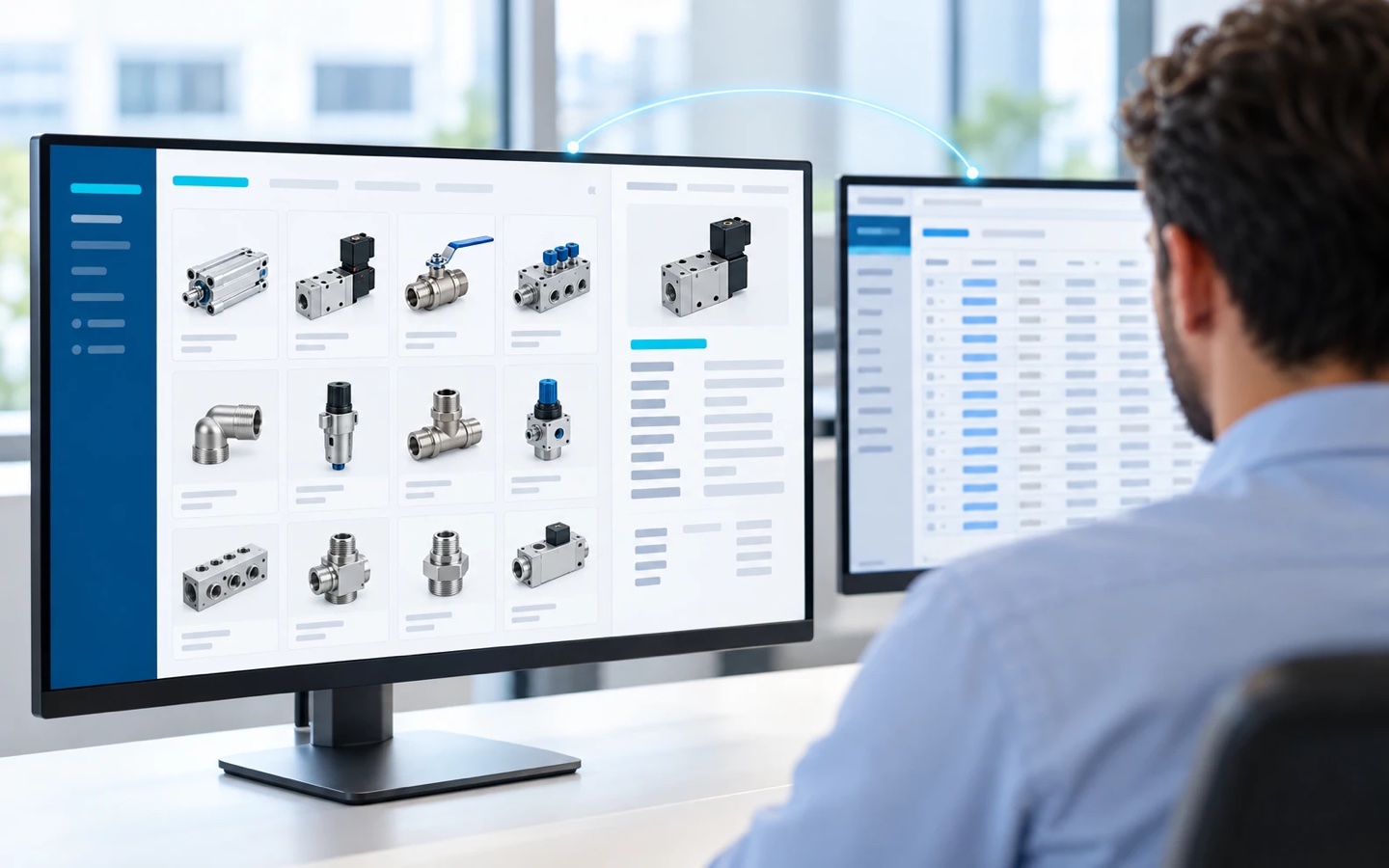
The question of product catalog ERP integration usually comes up late, when the ERP migration already has a locked timeline. The short answer is that the ERP solves where product information originates, meaning item records, structure, pricing, and the formal quote, and it doesn’t solve how that information reaches the people who sell. Product catalog ERP integration is the connection between the ERP and a catalog layer that takes item records and prices from the ERP and puts them in front of whoever sells, organized by application, with images and spec sheets attached.
Up to that point, the conversation has been about master data, tax setup, and super user training. Nobody has asked how your salespeople, manufacturer’s reps, and distributors will look up products after go-live. The new system will have every item set up, and the spreadsheet comes back anyway.
What Switching ERPs Actually Solves
A component structure, pricing governed by rules, numbered formal quotes, and a single item record instead of three versions of the same part: that is what switching ERPs delivers, as long as cleaning up the data is in scope. Part of what usually gets labeled an industrial product catalog management problem is really a problem of origin, and the new system handles that part well.
Asking the same project to also solve how sales looks up products opens new scope, and new scope has a price. According to Panorama Consulting Group’s The 2026 ERP Report, a survey of 170 organizations, 51.0% of those whose ERP project went over budget point to expansion of the initial project scope, the second most cited reason, behind the need for additional technology, at 54.9%. The organizations that went over budget are a little more than a quarter of the sample, about 50, a thin base.
The catalog layer is the content and software that sit between the ERP and whoever looks up products. The catalog layer stores images, spec sheets, and manuals, organizes navigation by application, and displays the price the ERP calculated. The migration doesn’t cover that part, and it shouldn’t.
Why the Spreadsheet Comes Back After Go-Live
The spreadsheet comes back because item records, structure, pricing, and sales messaging change at different speeds and have different owners, and neither the ERP nor the migration gives the four a shared place. Nothing about go-live takes that arrangement apart. The sales team’s product catalog spreadsheet carries all four responsibilities.
1 – Item Record
Part number, description, unit of measure, attributes. This layer changes by formal decision, and it’s the slowest of the four.
2 – Component Structure
The component structure separates what is common to the product family from what is specific to each variant. Revising a design sends the change cascading down to every variant that inherits the component.
3 – Pricing
Raw material cost increases, price lists by channel, negotiated discounts, freight built into delivered pricing. Pricing is the column that moves the most, and the only one where a mistake reaches the customer with a dollar amount attached.
4 – Sales Messaging
What you tell a distributor isn’t what you tell an end customer. Marketing edits that copy on the campaign calendar, without needing anyone’s approval.
Item records, component structure, pricing, and sales messaging have different owners in the sales spreadsheet: pricing sits with finance, messaging with marketing, structure with engineering. If the price increase goes out on a Thursday and the campaign on a Friday, each department fixes its own column in its own copy, and two spreadsheets start circulating, each one right in one part and stale in the other. The spreadsheet exists because the four rhythms need a shared place and no system provides one, and the ERP migration doesn’t touch that arrangement.
Signs that the spreadsheet already governs your product information:
- someone asks for “the latest price list” and gets an attachment with a date in the file name
- two reps quote different prices for the same item in the same week, both in good faith
- the channel discount gets applied to a price list that was already increased, and the difference only shows up at invoicing
- the good version of the price list lives on one person’s laptop, and that person goes on vacation
- a customer asks for the current spec sheet, the file exists, and only one person in the company knows which folder it’s in
Configured Products Have a Shared Core and Peripheral Variation
Picture an assembly built from a bill of materials, almost all of it common to the product family, with the difference between neighboring models limited to a few interface components. Four interface options and three capacity ranges make 12 configurations. The numbers are made up.
In a system, those 12 hypothetical configurations are one structure and 11 variations. In files, they become 12 spreadsheets repeating the same core, and revising a common component forces someone to open all 12, usually in product marketing. The portfolio grows by family, the rework grows by configuration.
Product Catalog ERP Integration: Where the ERP Ends and the Catalog Begins
The ERP governs item records, the bill of materials, pricing, and the formal quote; the CRM function tracks the sale; and the catalog layer owns sales navigation, digital assets, and the lookup interface for the sales team and the channel. Writing this division down before negotiating scope keeps it from turning into a turf war later. Below, the division is grouped by owner, and each block ends with the symptoms that those responsibilities have no owner at your company today. None of these symptoms is a measurement: they are situations a manufacturer recognizes in its own routine.
Stays in the ERP. Product, component, and assembly records. Component structure and bill of materials. Record categorization, meaning item group, product family, and tariff classification. Pricing and price lists. Formal, numbered quotes. You can tell one of these five has slipped when the same item shows up under two part numbers, when engineering keeps the real structure outside the system, when the report by product family doesn’t match what sales calls a family, when a price list with a date in the file name is circulating, or when a quote turns up with its own numbering, typed in a word processor.
Stays with the CRM function. Tracking the sale and recording the opportunity belong to this function, and the boundary is defined by function because the product that performs it varies. It can live in a dedicated CRM, in the ERP’s own CRM module, or in the ERP itself when the company has neither, and where it lives changes nothing about the division: the catalog layer’s job is to feed that record with what was looked up, never to replace it.
The two symptoms that this function has no home are deal progress that exists only in the inbox of whoever handled it, and a salesperson looking up a product without that lookup being recorded anywhere.
Stays in the catalog layer. Sales navigation taxonomy, organized by application and cross-reference. Digital assets, meaning images, spec sheets, and manuals. The lookup interface for the sales team and the channel. Item selection and the quick sales pitch, the one a rep texts from a phone in the middle of a customer visit. This block’s symptoms are the most visible of the three: salespeople ask engineering for the part number before they search, the good images sit on shared drives and in marketing’s inbox, someone exports a list and sends it around by text message, and every rep ends up building a personal slide deck.
Record categorization and navigation taxonomy look like the same thing, and they aren’t. Record categorization classifies the item for control purposes and is born in the ERP along with the item record. Navigation taxonomy organizes the path of someone who is searching, by application and cross-reference, and it is product information management (PIM) taxonomy territory. Only the first depends on go-live. The second can be designed now, and almost never is.
Where the ERP already solves the problem, the catalog layer stays out. The most uncomfortable case is price. A well-designed catalog layer displays the price the ERP calculated and refuses to calculate one of its own, because a price calculated in two places creates two truths about the same number.
The catalog layer costs work before it costs a license, with product catalog software or without it, because someone has to take on product information as a named responsibility, with a name in the meeting minutes. At an ERP project table you’ll find IT, finance, procurement, super users, and the project manager, and the person accountable for the product portfolio rarely gets a seat. When the catalog layer is left out of scope, it doesn’t go away, it just changes address.
The catalog work lands on product marketing and application engineering, who start handling requests for images and spec sheets one at a time, without that work showing up on any timeline.
People Who Sell Shouldn’t Have to Read an Engineering Structure
A bill of materials answers the question “what is this assembly made of?” A sales path answers a different one, “what does this customer need?” Both come from the same data, organized two different ways.
Salesforce’s 2026 State of Sales report finds that salespeople spend 60% of their time on tasks that aren’t selling. It’s a self-reported survey of 4,050 sales professionals, with no B2B breakout, centered on salaried salespeople. That last caveat is the one that matters if you sell through indirect channels, and it cuts the uncomfortable way: your in-house salesperson loses that time and stays in the seat, because that’s what the salary pays for.
A manufacturer’s rep, unlike a salaried salesperson, doesn’t absorb that lost time. Independent reps carry more than one line and decide on their own where each hour goes. If looking up your products requires understanding how your engineering team organizes assemblies, the rep sells whatever takes less work, and you never find out, because nobody reports the sale they didn’t try to make.
A distributor rewrites your description for its counter, cuts what doesn’t fit on the label, and translates the application into local vocabulary. When that rewrite drops a compatibility detail, the error reaches the customer with your brand on the product and comes back as a return. When the distributor publishes your description without changing anything, the effect is different: the distributor’s page can show up in search instead of yours, a case of duplicate content between your own site and a distributor’s.
Automating the product catalog changes what reaches manufacturer’s reps and distributors. Instead of an attachment that goes stale the day after it’s sent, the channel gets a link that is already correct when they open it, and the cost of that change is maintenance discipline, not a license.
How Catallog Can Help
Catallog is a product information management platform built for the industrial value chain, with an emphasis on organizing the product portfolio, enabling the sales team, and generating leads. Saying value chain, and not just manufacturers, reflects that many of the people who look up a manufacturer’s products, such as manufacturer’s reps and distributors, aren’t on its payroll.
Integrating a new ERP with a catalog layer depends on decisions on your side. The item number has to stay unique and stable after the migration, because it ties the spec sheet to the price line. A named person has to decide, field by field, which of the two systems is the source of truth. And digital assets have to be linked to the item number, not to the file name. Ask the ERP data mapping team for this, along with the field mapping, before go-live, because after go-live those people’s calendars have already moved on to another project.
Catallog integrates with a variety of ERP systems, through different methods, and which method makes sense depends on the system your company uses and on how the project is designed.
Frequently Asked Questions
Yes, because the ERP item master and a product catalog answer different questions, even when both hold the same items. The ERP item master organizes records for the people who administer the product, by part number, product family, and tariff classification. A product catalog organizes lookups for the people who sell, by application and cross-reference, and that second organization doesn’t come ready-made from the first.
Pricing should live in the ERP, which is where pricing rules are governed, including raw material cost increases, price lists by channel, and negotiated discounts. The product catalog should display the price the ERP calculated, without recalculating anything. That way the salesperson and the invoice arrive at the same number.
No, the product catalog’s sales navigation and digital assets, such as images, spec sheets, and manuals, can be designed before ERP go-live and built in parallel, and they are exactly what delays the catalog project when they’re left for the end. Only the catalog data load depends on stable item records, so the data load follows the ERP timeline.
Conclusion
No ERP migration gets marked as a failure because the catalog layer was left out of scope, and that’s the problem. The system goes live, the project metrics check out, and the catalog layer keeps being maintained by hand by two or three people who weren’t at the table when scope was locked. At Catallog, when someone comes to us with a newly implemented ERP, we ask who was accountable for product information during the project. Without that answer, the catalog starts from zero with the budget already spent.
Bringing the catalog layer into scope costs one more meeting during data mapping and one more seat at the table. Putting it off costs rebuilding the catalog later, with the project closed and nobody with a mandate to reopen it.
To see where that boundary falls in your product portfolio, and what part of it still has no owner after your migration, the next step is to talk to our team.
Is Your Catalog Ready to Sell?
TAKE THE FREE ASSESSMENT NOWAnswer 8 questions about your catalog, enter your name and email, and get a profile for each area, with recommendations for your next step.